
Upload files, get smarter answers, and make Dot truly yours.


Upload files and get them back
Drop any file into Dot - CSV, Excel, PowerPoint, PDF. Dot reads it, understands it, and can give you a modified version back. Upload a spreadsheet, ask Dot to enrich it with data from your warehouse, download the result.
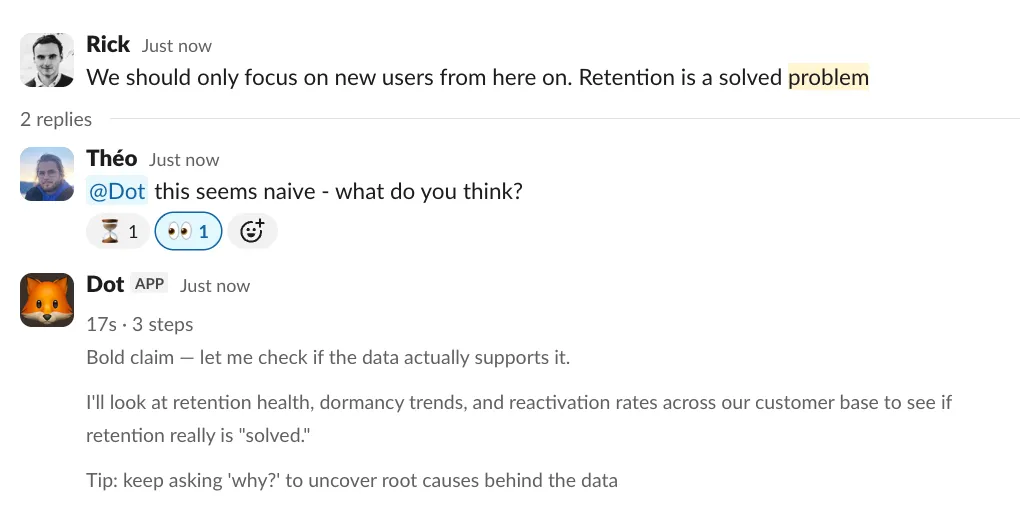
Fact-check and follow up in threads
Someone makes a claim in Slack? Mention @Dot in the thread and it will check the data. Dot reads the full conversation context, including uploaded files, so you don't need to repeat yourself.
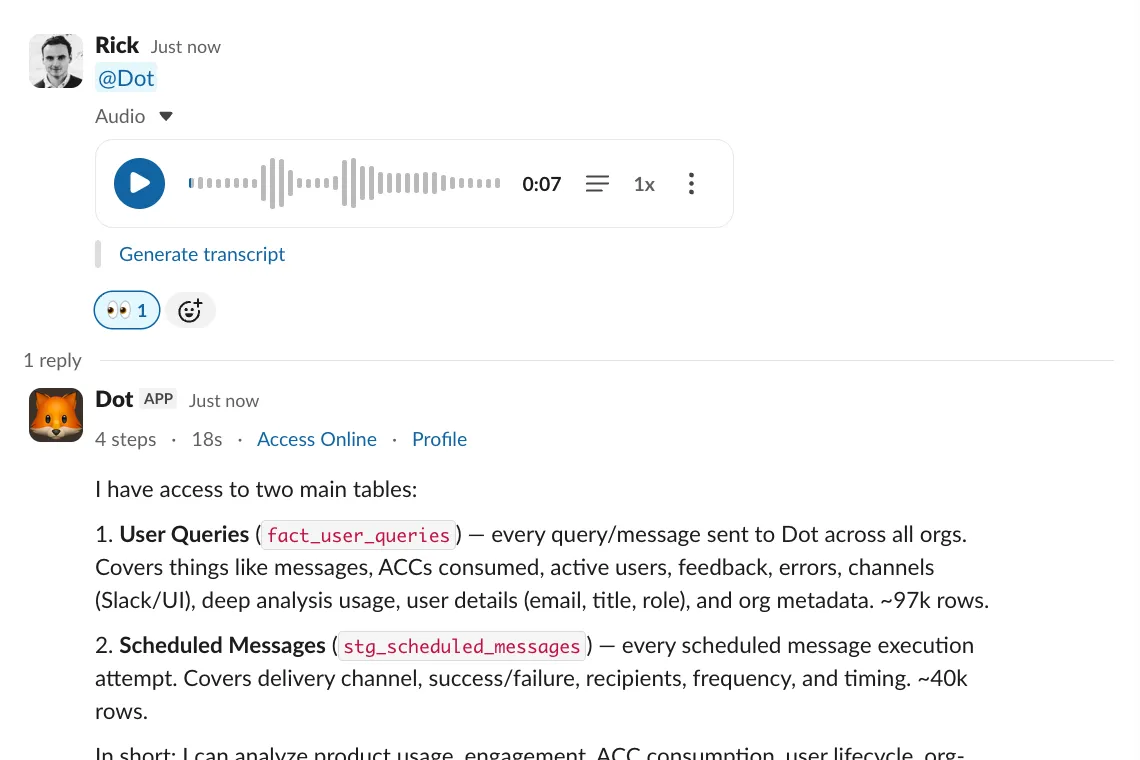
Talk to Dot
Send a voice message and Dot transcribes and answers it. Great for quick questions when you're on the go.
Smarter, more flexible answers
No more choosing between chat mode and deep analysis. Dot now calibrates its effort automatically. Quick question, quick answer. "Give me a full report" gets a full report.
You can also set up a user profile with your role and preferences so Dot personalizes its answers to you. Dot now works on mobile too, with a fully responsive design.
Heads up for Slack and Teams users
To use file uploads, you'll need to reinstall the Dot app in your workspace. This grants the new permissions Dot needs to receive and process files. Reinstall instructions